
Olabi Sutras
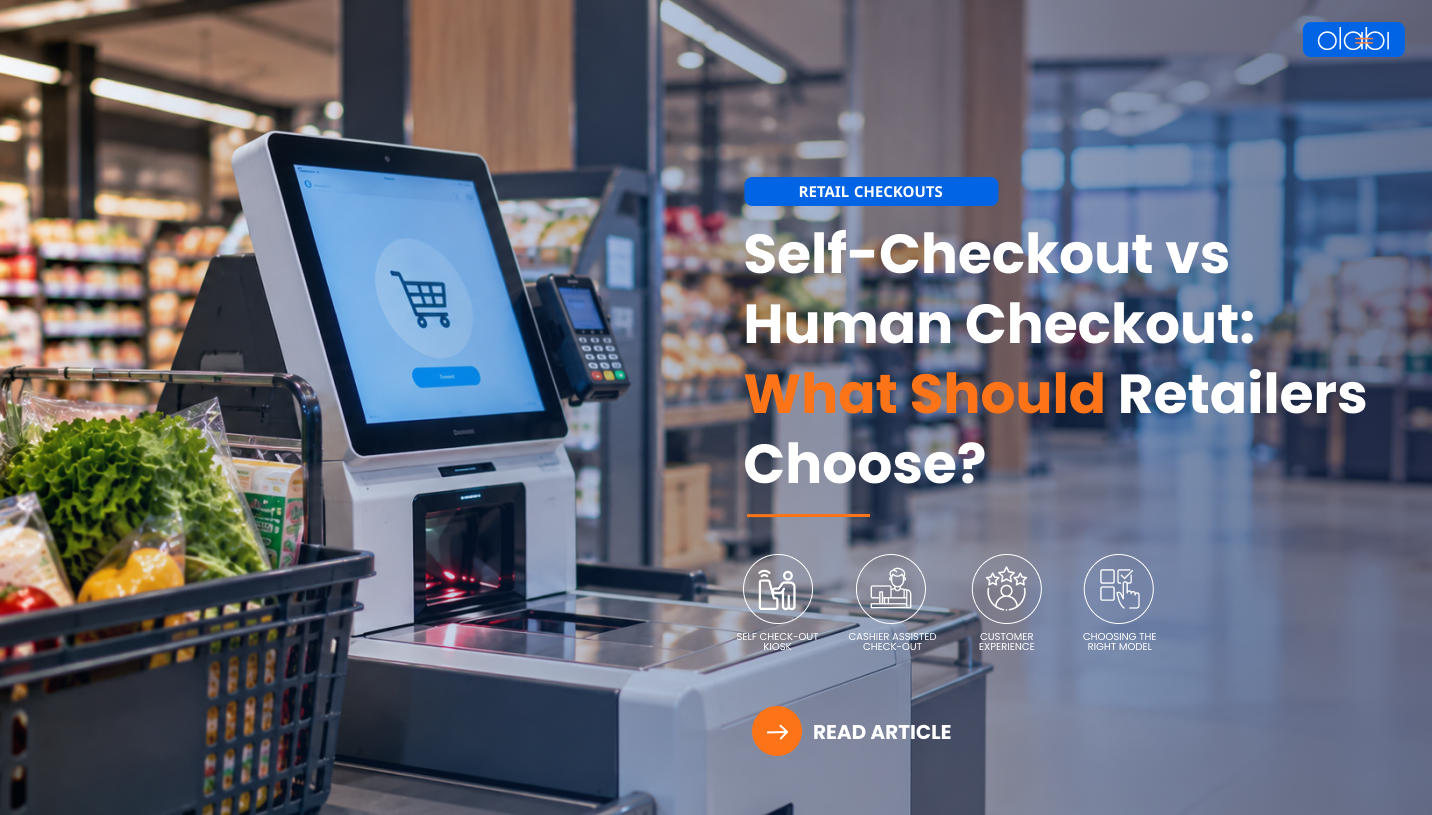
Self-Checkout vs Human Checkout: What Should Retailers Choose?
The checkout counter has traditionally been one of the final touchpoints in a customer’s shopping journey. After selecting their products, customers would queue at a billing counter, where a cashier scanned the items, processed payments, and completed the transaction. Today, this familiar process is evolving as retailers introduce self-checkout kiosks, mobile point-of-sale (POS) systems, and other technology-enabled checkout options.
This shift is driven by changing customer expectations and the need for retailers to manage store operations more efficiently. Customers increasingly value convenience and shorter waiting times, while retailers must balance staffing requirements, transaction volumes, and operating costs.
Self-checkout allows customers to scan products and pay independently, while human checkout provides direct assistance from store employees. Both approaches offer advantages, but neither is suitable for every retail environment.
A checkout model that works well in a supermarket may not deliver the same results in a premium fashion boutique. Store format, basket size, customer preferences, and transaction complexity all influence which approach makes the most sense.
So, should retailers invest in self-checkout, retain traditional counters, or combine both? Understanding the benefits and limitations of each model can help businesses make informed decisions.
What Is Self-Checkout and How Does It Work?
Self-checkout allows customers to scan products, review their bills, and complete payments without requiring a cashier to process every item. These systems typically include barcode scanners, touchscreen interfaces, payment terminals, and software that records transactions.
Some systems also use weighing scales, cameras, or computer vision to help verify products and identify potential scanning errors.
The process is straightforward: customers scan their items, confirm the displayed products and prices, and complete payment. Fixed kiosks are commonly used in supermarkets and large-format stores, while mobile self-checkout and scan-and-go solutions allow customers to scan products using supported mobile devices.
For retailers, self-checkout provides another way to process purchases and may help manage straightforward transactions during busy periods. It can also allow employees to focus on customer assistance and other store activities.
However, self-checkout is not entirely independent of human support. Customers may still need assistance with scanning errors, payment failures, promotions, or other exceptions. Retailers must therefore consider both the technology and the processes required to support it.
What Is Traditional Human Checkout?
Traditional checkout involves a cashier managing the transaction through a POS system. The employee scans products, verifies prices, applies eligible discounts, processes payments, and completes the sale.
However, the cashier’s role extends beyond billing. Employees can explain promotions, assist with loyalty benefits, resolve pricing discrepancies, and answer customer questions.
Human checkout is particularly valuable when purchases involve complex offers, exchanges, or additional assistance. For example, a customer purchasing multiple discounted products may need help understanding promotional conditions or redeeming loyalty rewards. A trained employee can resolve these questions and make the transaction easier.
Traditional checkout also offers familiarity. Customers who are uncomfortable using self-service technology may prefer interacting with a cashier.
The main challenges are staffing requirements and queue management. Retailers must schedule employees according to customer traffic and ensure enough counters are available during peak periods. Despite these considerations, human checkout remains an important part of modern retail because it combines transaction processing with personal service.
Self-Checkout vs Human Checkout: A Side-by-Side Comparison
Both checkout models serve different customer needs. Understanding their differences helps retailers decide how to allocate resources and design a convenient shopping experience.
|
Factor |
Self-checkout |
Human checkout |
| Customer involvement | Customers scan and pay independently | Cashiers manage transactions |
| Staffing | Employees monitor stations and assist when needed | Requires cashier coverage |
| Speed | Can be convenient for small purchases | Depends on cashier efficiency and queues |
| Customer assistance | May require staff intervention | Provides direct assistance |
| Complex transactions | Depends on system capabilities | Often easier to manage |
| Technology | Kiosks, software, payment terminals, and monitoring | POS equipment and trained employees |
| Loss prevention | Requires scanning controls and monitoring | Cashier oversight helps identify some errors |
| Customer experience | Suits customers who value independence | Suits customers who prefer personal interaction |
Neither model is automatically faster or cheaper. Performance depends on implementation, transaction complexity, customer behaviour, and store conditions. Retailers should evaluate both approaches against their specific business requirements.
The Business Case for Self-Checkout
Managing Checkout Queues
Long queues can frustrate customers, particularly during weekends, seasonal sales, and promotional events. Self-checkout provides an additional option for shoppers making straightforward purchases.
For example, a supermarket could direct customers buying a few everyday essentials towards self-checkout while keeping staffed counters available for larger baskets or transactions requiring assistance.
However, kiosks do not automatically eliminate queues. Poor interface design, scanning difficulties, payment failures, and insufficient employee assistance can create new bottlenecks. Retailers must evaluate the entire checkout process rather than simply increasing the number of stations.
Optimizing Staff Deployment
Self-checkout allows customers to perform some tasks independently, potentially giving employees more time to assist shoppers, resolve transaction issues, and support other store activities.
For instance, an employee who previously spent most of their shift processing transactions might help customers at self-checkout stations while answering questions about products or promotions.
The goal is not necessarily to eliminate staff, but to use employee time more effectively. Appropriate staffing plans, clear responsibilities, and training are essential to achieving these benefits.
Meeting Customer Expectations
Customers have different preferences when it comes to completing purchases. Some value independence, while others prefer personal assistance.
Self-checkout provides flexibility for shoppers who want to manage their own transactions, particularly when purchasing only a few items. Human checkout remains valuable for customers who need assistance or prefer interacting with store employees.
Retailers should avoid assuming that everyone prefers automation. Offering multiple checkout options can accommodate different shopping habits and improve the overall experience.
Understanding the Investment
Self-checkout requires investment in kiosks, scanners, payment terminals, software, system integration, maintenance, security, and training.
Retailers should compare these costs with potential benefits, including changes in transaction throughput, staffing allocation, queue management, and customer satisfaction.
For example, a store with frequent queues and many small-basket purchases may benefit more from self-checkout than a store where most transactions require substantial employee assistance.
A pilot programme can help retailers evaluate whether the investment delivers measurable improvements before expanding across additional stores.
Where Human Checkout Still Has an Advantage
Complex Transactions
Returns, exchanges, promotional offers, loyalty redemptions, and payment adjustments may require additional assistance. Cashiers can explain available options and resolve issues directly.
Personal Service
In fashion and lifestyle stores, employees may help customers understand offers, confirm loyalty benefits, or complete purchases involving several items. This interaction can strengthen the shopping experience and reinforce the retailer’s service standards.
Accessibility and Ease of Use
Not every customer is comfortable using a touchscreen or scanning products independently. Traditional checkout provides an alternative for shoppers who prefer human assistance or need additional support.
Retailers adopting self-checkout should also ensure that interfaces are accessible, instructions are clear, and employees are available when required.
Loss Prevention and Exception Handling
Self-checkout systems can use transaction monitoring and barcode validation to reduce errors, but missed scans and incorrect entries remain possible. Cashiers can also make mistakes, so both models require appropriate controls, clear procedures, and employee training.
The right approach is to understand the risks associated with each model and introduce safeguards that protect both the business and the customer experience.
The Hidden Challenges Retailers Must Consider
Both checkout models introduce operational challenges that retailers need to address.
- Shrinkage and scanning errors: Missed scans and incorrect product entries can affect transaction accuracy and inventory records.
- Technology failures: Network interruptions, payment failures, and equipment downtime can disrupt checkout operations.
- Customer frustration: Confusing interfaces and limited assistance can make self-checkout difficult to use.
- Operational complexity: Returns, promotions, loyalty benefits, and product verification may require additional steps.
- Integration challenges: Checkout must work reliably with POS, inventory, payments, and loyalty systems.
- Employee readiness: Staff need training to operate systems, support customers, and resolve exceptions.
For example, a self-checkout station may function well for routine purchases but create delays when customers encounter promotional or payment issues. Without an employee available to help, these exceptions can affect the entire queue.
Retailers should evaluate these challenges before implementation and establish clear processes for handling common problems.
Why Hybrid Checkout May Be the Better Choice
Retailers do not necessarily need to choose between self-checkout and human checkout. A hybrid approach combines self-service kiosks with staffed counters, allowing customers to select the option that suits their needs.
Customers buying a few items may prefer self-checkout, while those with larger baskets or complex transactions can use staffed counters. Employees can assist at self-checkout stations and resolve issues when necessary.
Mobile POS adds another option by allowing store associates to process transactions using supported mobile devices. In suitable retail environments, this can support assisted checkout beyond fixed billing counters.
Retailers can also adjust staffing and checkout capacity according to demand. During peak periods, managers may open additional counters or direct suitable transactions towards available self-service stations.
For example, a fashion retailer could retain staffed counters for customers who need help with promotions and exchanges while using mobile POS to support assisted purchases elsewhere in the store.
The key is to match checkout options to customer needs and store conditions. A hybrid model can offer flexibility while preserving access to human assistance.
How Retailers Can Choose the Right Checkout Model
Retailers should consider the following factors before investing in a new checkout approach.
- Understand customer behaviour: Examine basket sizes, shopping habits, preferred payment methods, and customer feedback.
- Assess store format: Supermarkets, convenience stores, fashion retailers, and premium boutiques have different checkout requirements.
- Measure peak-hour demand: Identify when queues form and whether existing checkout capacity meets demand.
- Evaluate transaction complexity: Consider returns, promotional offers, loyalty benefits, and assisted-selling needs.
- Calculate total costs: Include equipment, integration, maintenance, staffing, training, and loss prevention.
- Run a pilot: Test the proposed model in selected stores before expanding.
- Track results: Compare performance against the original business objectives.
This approach helps retailers make decisions based on operational evidence rather than technology trends alone. It also allows businesses to adapt their checkout strategy as customer expectations and store requirements change.
Metrics to Measure Checkout Performance
Retailers should track key performance indicators to determine whether their checkout strategy is working.
Important metrics include average checkout time, customer waiting time, transactions processed per hour, customer satisfaction, checkout abandonment, and cost per transaction.
For self-checkout, retailers should also monitor staff intervention rates, payment failures, system downtime, scanning errors, and relevant shrinkage indicators.
For example, if waiting times decrease but staff intervention rates increase significantly, the retailer may need to improve the interface or provide additional employee support.
Measuring these metrics before and after implementation helps businesses identify improvements and recurring issues. Comparisons should account for differences in store traffic, basket sizes, and transaction complexity.
How Connected Retail Technology Supports Better Checkout
Checkout is connected to several other retail operations. Every sale affects transaction records, inventory availability, promotions, loyalty benefits, and business reporting.
An integrated POS system helps retailers maintain consistency across billing, pricing, and eligible customer offers. Accurate inventory updates support stock visibility and replenishment decisions.
Connected retail data can also help identify peak-hour demand, recurring transaction issues, and opportunities to improve checkout performance. Rather than relying on isolated observations, retailers can use operational information to make more informed decisions.
Mobile POS provides additional flexibility by allowing employees to assist customers and process transactions beyond fixed counters, depending on the retailer’s setup.
When checkout works alongside POS, inventory, payments, and loyalty systems, retailers can create a more consistent customer experience and improve operational visibility across stores and channels.
Conclusion
Self-checkout offers convenience and independence, while human checkout provides personal assistance and flexibility. Neither model is universally better; the right choice depends on customer expectations, store format, transaction complexity, and operating costs.
For many retailers, a hybrid model can balance automation with human support. The key is to understand customer needs, evaluate the full cost of implementation, and measure results against clear business objectives.
Connected retail technology can further support accurate transactions, reliable inventory updates, and consistent customer experiences across stores and channels.
Looking to create a more flexible and efficient checkout experience? Discover how Olabi’s connected retail solutions can help streamline store operations and deliver a consistent customer journey.
Schedule a demo with Olabi today.
Share This Story, Choose Your Platform!
About the Author: Olabi

